Game Booster
The Game Booster function is aimed at gaming and other resource-heavy tasks. It easily frees up CPU, RAM, and background resources by optimizing the registry so the game gets a larger share of system performance.
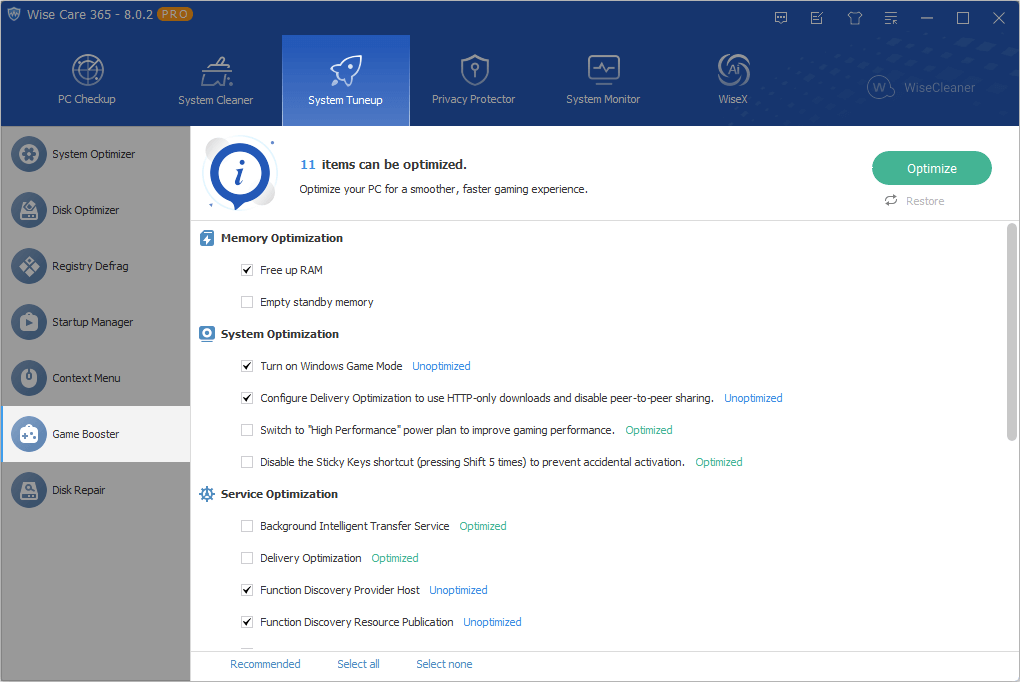
Optimize
Select the items you want to optimize and then click the Optimize button.
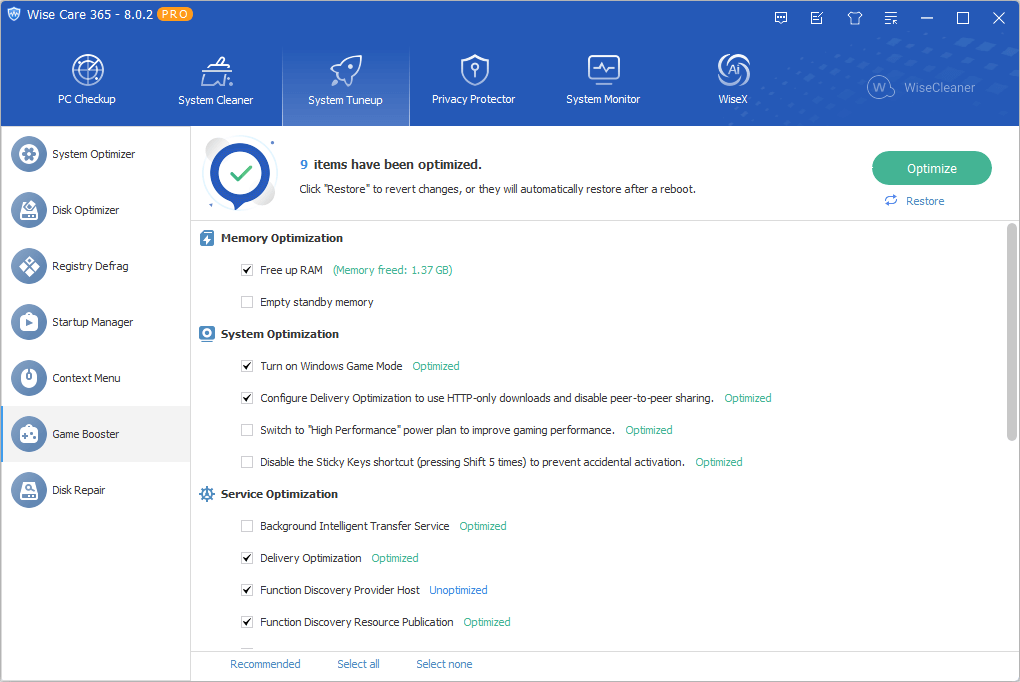
Note: Please keep Wise Care 365 open. Closing this window will automatically restore all optimized items.
Quick Optimize
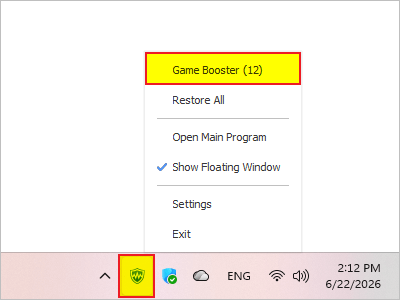
Wise Care 365 allows users to perform quick optimizations via the Wise Tray:
Simply right-click the tray icon and select Game Booster. The number displayed indicates the count of items available for optimization.
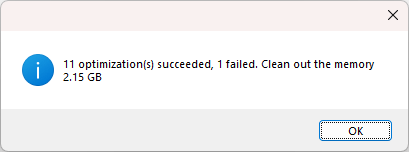
Note: Wise Tray optimizes only the default/recommended items.
Restore
After your game ends, you can restore the optimized items in one of the following ways:
- Click the Restore button located below the Optimize button.
Simply close Wise Care 365, and it will automatically restore the items for you.
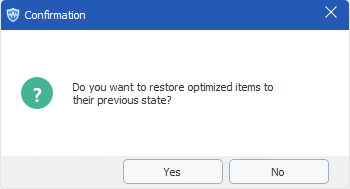
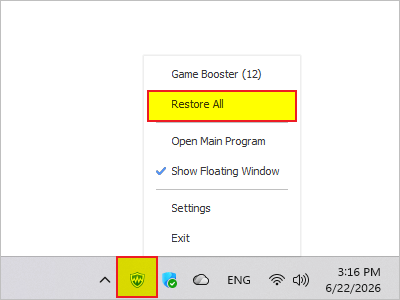
Right-click the Wise Tray icon in the taskbar and select Restore All.
Restart your system.